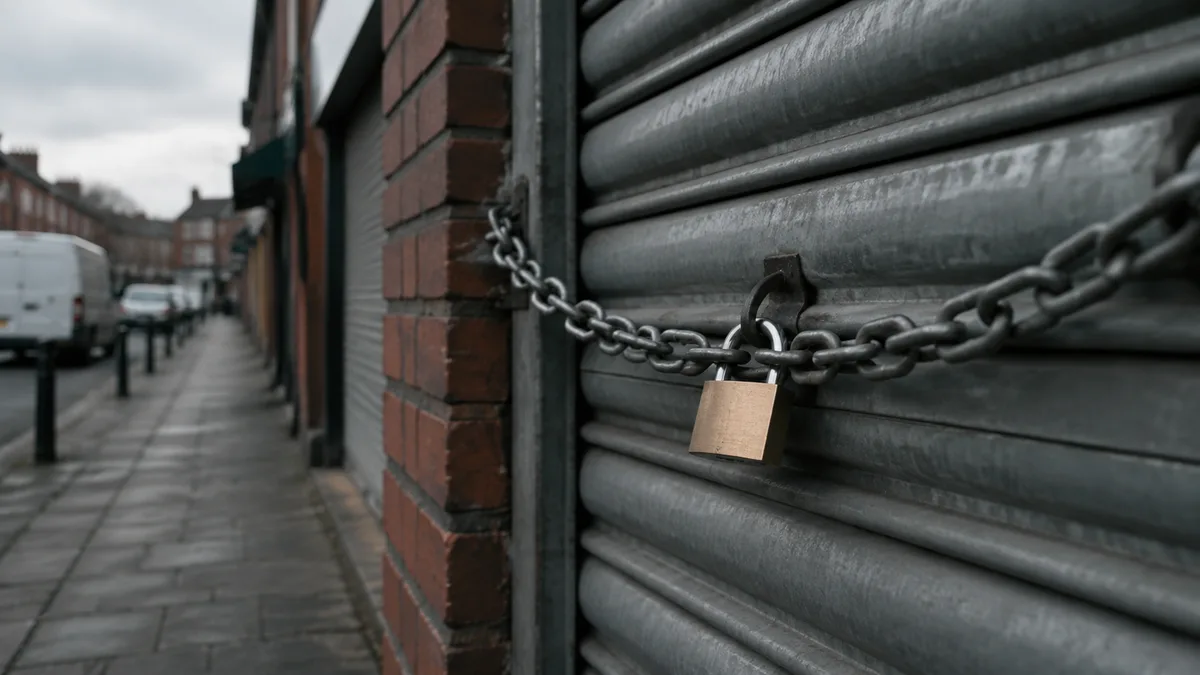
The road, not the shop
Look for the padlock before you pay. The advice gets handed out everywhere, and most of the people following it could not say what the padlock is checking for. The plain version is this: the padlock tells you the connection between the visitor's browser and the website is encrypted, so nobody in between can read or change what passes along it. That is a fact about the road between the two ends. It says nothing about the shop at the other end of it.
It took a warning symbol to make anybody think about this at all. Chrome began marking every plain http site as "Not secure" in the address bar with version 68, released on 24 July 2018; before that, only pages collecting passwords or card details carried the warning. That change is why the padlock became something every owner has to think about rather than a detail only web people noticed.
Most of what follows is checkable on your own domain in seconds, and the free security check grades the technical half of it in one pass.
What the padlock does not tell you
The quickest way to describe the padlock is by what it leaves out. It tells you the road is private. It tells you nothing about who is driving at the other end. PhishLabs found that 49% of phishing sites carried the padlock in the third quarter of 2018, up from 25% a year earlier, and a PhishLabs survey the year before had found more than 80% of respondents believed the green lock indicated a website was legitimate or safe. PhishLabs' chief technology officer John LaCour said at the time that the presence or lack of SSL does not tell you anything about a site's legitimacy.
The FBI's Internet Crime Complaint Center said the same thing more bluntly in June 2019: do not trust a website just because it has a lock icon or https in the address bar, because criminals obtain certificates for their own phishing sites. The scam site a customer lands on may well have a padlock of its own.
Most people misread it anyway. A 2023 UK survey by Fiona Carroll of Cardiff Metropolitan University and colleagues, reported in The Conversation, asked 528 web users aged 18 to 86 what the padlock means: 63% said they knew or thought they knew, and only 7% gave the correct meaning, that it shows the data passing between the server and the user's computer is encrypted. The wrong answers included that the site is virus-free, trustworthy or genuine. Being sure and being right barely overlapped.
One more thing the padlock says nothing about: what happens to an enquiry after it arrives. Email is where that risk lives, and the padlock on your website has no say in it. The plain-English guide to DMARC covers the records that stop somebody sending email as your business.
Why your customers stopped seeing it
In May 2023 Google announced that Chrome would replace the padlock with a neutral "tune" icon, and the change shipped in Chrome 117 that September. The reason was Google's own research from 2021: only 11% of participants understood what the lock icon meant. An icon that most people misread was never going to work as a trust signal.
For an owner, the practical point is that the encryption did not go anywhere. Chrome retired the icon as a trust badge, not the security behind it, so the certificate on your site does exactly the job it did before. The knock-on is quieter: advice telling people to look for the padlock is now out of date on the most used browser, and a customer checking your site may describe the address bar without mentioning a lock at all.
When the padlock disappears on your own site
Now the owner's half of the story, because the padlock worth worrying about is the one that vanishes from your own address bar. The certificates behind small site padlocks are mostly the free kind, issued by automated authorities such as Let's Encrypt, whose certificates are valid for 90 days by default and renew automatically through software on the server. The system runs itself while somebody is minding it. When the maintenance stops, the renewal fails, the certificate expires, and the browser starts warning your visitors instead.
So a padlock that disappears from your own site is a maintenance signal before it is anything sinister: a renewal nobody was watching. It still needs acting on the week it appears, because the warning is now in front of every customer you have.
While you are there, give the redirect ten seconds. Type your own address into a browser starting with http rather than https and watch what happens. It should send you straight to the secure version. If the plain version loads instead, the certificate exists but the redirect does not, and visitors can reach an unencrypted copy of your site. That is a settings job rather than an emergency, and like most settings jobs it only gets fixed once somebody notices.
The reason the maintenance stopped is usually the same reason nothing else on the site has been touched in years: the person who used to look after it moved on or went quiet. What to do when your web designer stops responding covers that situation properly. The short version is that a certificate nobody renews and a backup nobody tests come from the same gap.
What actually earns trust beyond the padlock
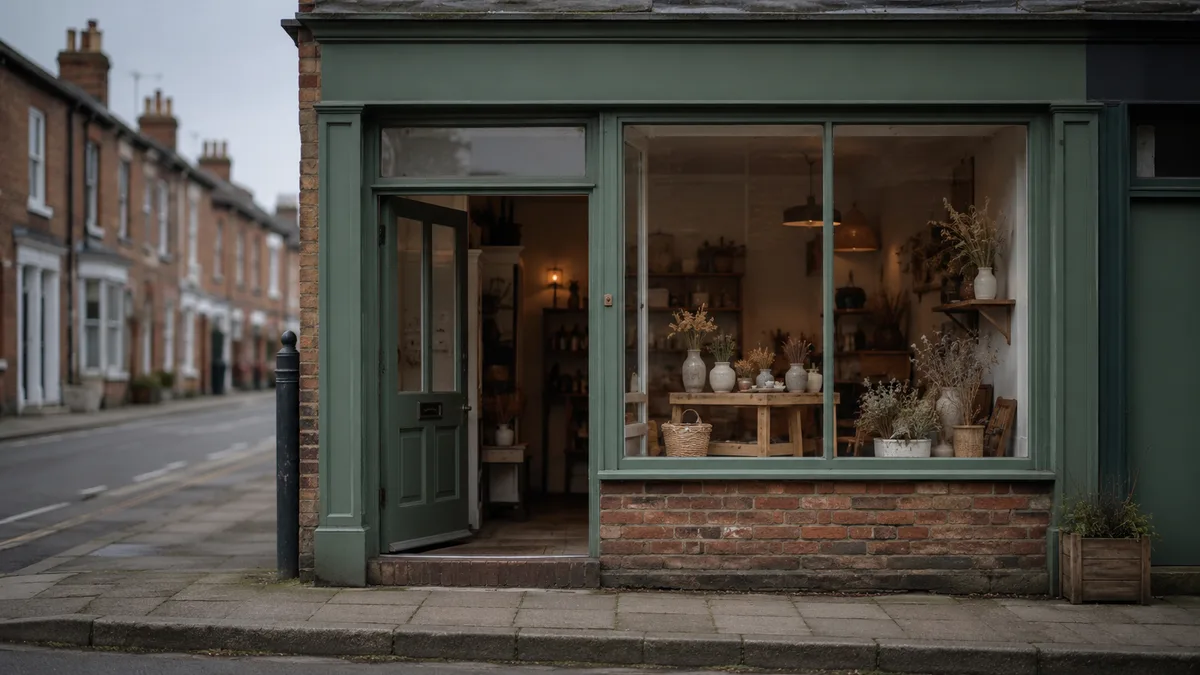
If the padlock is the floor under a website, the trust that wins the job is built on top of it, from things the padlock never touched: contact details that are real and easy to find, photographs of your actual work, a business email address on your own domain, and reviews from customers nearby. None of it is technical. It is what a customer is looking for when they decide whether you are genuine.
What your website needs to look secure and trustworthy works through that list properly, with the evidence for each item. The padlock still belongs on your site, the same way a working lock belongs on the door, but nobody ever chose a plumber because of the hinge.
Check your own
Run the free security check. It grades, on one page, whether your site loads over https, whether the plain http version forwards to the secure one, and the email records the padlock says nothing about. It takes seconds, it is passive, and there is no sign-up.
If something comes back red, the certificate and the redirect are usually a settings job at the host rather than a rebuild, and the email records are the part that protects your customers rather than your website. Neither job is big enough to put off.
The questions that come up
Does the padlock mean a website is safe? No. It means the connection is encrypted and nothing more. The FBI's advice is not to trust a site for having one, and nearly half of the phishing sites in PhishLabs' count carried one. What people actually mean by safe is the trust list above, and the padlock on its own does not get you there.
Can a fake or phishing website have a padlock? Yes. Criminals obtain certificates for their own phishing sites, which is exactly why the FBI warns against trusting the icon.
Why has my website started saying it is not secure? The likeliest explanation is a certificate that stopped renewing when the maintenance stopped. The other candidate is the site loading over plain http because the redirect was never set. Both are settings jobs rather than hacks, and both deserve attention the week they show up.
Why has the padlock disappeared from my website? Either one of the causes above, or a customer describing Chrome, which replaced the padlock with a neutral icon in September 2023. If the certificate is current and the site forwards properly, the secure setup is fine and the icon is simply gone.
What is the difference between http and https? The s is for secure: the same connection with encryption added, so nobody in between can read or change what passes along it. Chrome has marked plain http sites as Not secure since July 2018.
Do I still need a certificate now that Chrome no longer shows the padlock? Yes. The icon was only ever the visible sign of the encryption, and the encryption is the part your visitors still need. Without a certificate the browser warns instead, and the warning is what costs enquiries.
If your own padlock has gone missing, or nobody has checked what is behind it in a while, that is this week's job.