How the question usually starts
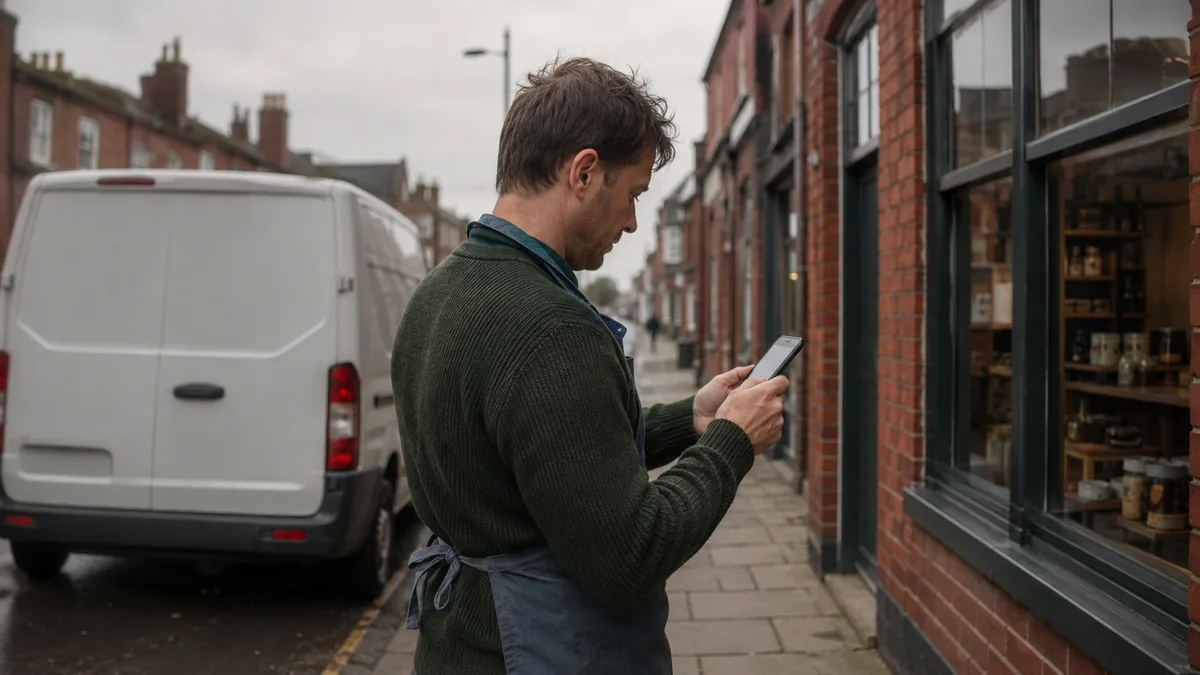
Nobody times their own website. Instead you tap your own link on your phone one afternoon, in a car park with two bars of signal, and notice the wait. Or a customer mentions it, politely, in the way people do when they are trying not to be rude about something you paid for.
Two questions usually follow. Is this normal, and is it actually costing me anything? Both have real answers, and neither of them requires you to understand a waterfall chart. The wait is measurable, it is almost always one of three things rather than a mystery, and none of the three needs a new website to put right.
The three things that are usually wrong
Start with images, because they are nearly always the biggest single culprit. A photo straight off a phone or a camera can be several megabytes. On the page it might occupy a strip a few hundred pixels tall, but the visitor's phone downloads the whole original anyway and then shrinks it to fit. Put ten of those on a page and you have handed somebody on mobile data a sizeable download to get through before they see anything at all.
Second is hosting: where the site lives, and how quickly the server answers when a browser knocks. Cheap shared hosting puts your site on a machine with hundreds of others and gives you whatever is left over. That is fine at nine in the morning and noticeably worse at seven in the evening, which is one reason a site can feel quick to you and slow to a customer. Where the server sits matters too, because a single server in one place has to answer everybody from that one place.
Third is code weight: scripts, fonts and plugins the page carries but barely uses. A site collects these over years: a chat widget somebody trialled and never removed, a tracking script from an ad campaign that finished two years ago, a page builder loading its entire library so one button can fade in. Each one is small on its own, and together they are usually why a site that launched quickly does not feel quick now.
The three share a cause: nobody owns the site. It launched, it worked, and since then nothing has been looked at, updated or measured. The same gap turns up on the small business website security checklist as unpatched plugins, where it shows as a security hole instead of a slow page.
What the honest numbers actually say

Plenty of articles on this question quote a percentage and attribute it to nobody. Two figures can actually be checked, and both come from people who published their method.
Google's own research, run with SOASTA and published in 2017, found that as mobile page load time goes from one second to three seconds, the probability of a visitor bouncing increases by 32%. Stretch the wait to ten seconds and the probability of a mobile visitor bouncing increases by 123%. Bouncing here just means arriving and then leaving without going any further. The study is from 2017 and Google has not published a newer version of the same benchmark, so treat it as the standard figure of its kind rather than as this year's news.
The other one worth knowing is Portent's page speed research, most recently updated in 2022. It draws on over 100 million page views across 20 B2B and B2C websites, 5.6 million sessions in the period analysed. A B2B lead-generation page that loads in 1 second converts at roughly 3 times the rate of one that takes 5 seconds. For a B2C ecommerce page the difference is roughly 2.5 times.
Neither figure is a promise about your website. They are averages across other people's sites, and a shop selling to strangers has more to lose from a slow page than a plumber whose enquiries all come from people who already rang once. What they do settle is that the question is worth an hour of your attention rather than a shrug.
One thing worth knowing about how Google measures this: it uses real visits rather than a lab test. Interaction to Next Paint became one of Google's three official Core Web Vitals on 12 March 2024, replacing First Input Delay. The scores come from actual people loading your pages on actual phones, which is why a site that feels fine on the office broadband can still be measured as slow.
Why it costs more here than the average article assumes
Those studies assume an average visitor. In this part of the country the visitor is often on a phone, in a village or on the coast, using whatever signal is going that day.
Ofcom's Connected Nations update for spring 2026, published on 13 May 2026, put predicted 4G geographic coverage of the UK landmass from all four mobile network operators at 84%, up from 66% before the Shared Rural Network programme began. Coverage from at least one operator reaches 96%. That is genuine progress and worth saying plainly, because the gloomy version of rural signal that people repeat is out of date.
The gap between the two numbers is where this matters. Nearly all of the landmass has a signal from somebody, and a good deal less of it has a signal from everybody. If your customer happens to be with the operator that does not reach the lane they are standing in, they are making do. A page that takes four seconds on good broadband is not taking four seconds there, and every unnecessary megabyte costs more in a caravan park in October than it does in an office in Lincoln.
Checking your own site, honestly
The free security check on this site does not test speed, and it would be easy to let you assume otherwise. It reads your SSL setup, your security headers and your email anti-spoofing records. Useful, and a different question entirely.
For speed, Google's own PageSpeed Insights is free, needs no account, and asks for nothing but a web address. Run it on your home page and on one other page, and read the mobile results rather than the desktop ones, because mobile is the harder test and the one most of your visitors are actually sitting. Do not panic at the score itself. It is a summary. The useful part is the list underneath it, which more often than not starts with the images.
There is a cruder check that costs nothing. Turn the wifi off on your phone, go somewhere your signal is ordinary rather than good, and open your own website. That is the version a stranger gets, and it is the one you have never seen.
The questions that come up
Is a slow website really hurting my Google ranking? Speed counts, and nobody outside Google knows how much, so anybody quoting you a precise weight is guessing. The more reliable damage is the visitor who leaves before you get a chance to say anything.
My website was fast when it launched, so why has it slowed down since? Because things kept being added and nothing was ever taken away. More photos, another plugin, a font, a tracking script for a campaign that ended. No single addition is the problem, which is exactly why nobody notices until the whole thing feels heavy.
Do I need a whole new website to fix a slow one? Usually not. Images, hosting and code weight are all fixable on the site you already have. A rebuild is the answer when the site has other problems too, not because of speed on its own.
Does the free security check test my website's speed? No. It grades SSL, security headers and the SPF and DMARC records that stop somebody sending email as your business. It will tell you nothing about how fast your pages load.
What to do next
If you have run PageSpeed Insights and the list underneath the score means nothing to you, that is the normal reaction to it. The site speed tune-up is £99 one-off including VAT: I record what your site does now, fix what is dragging it down myself rather than sending you a homework list, and give you both sets of numbers in plain English. On sites I host it costs nothing, because keeping them fast is part of looking after them. The services page sets it out alongside care and hosting.
If the neglect theme rang a bell, it tends to show up on the security side first. What your website needs to look secure and trustworthy covers that half of it, hosting hygiene included.
A slow site and a neglected one usually come from the same place: nobody has looked. Send me the address and I will tell you what is dragging it down.